
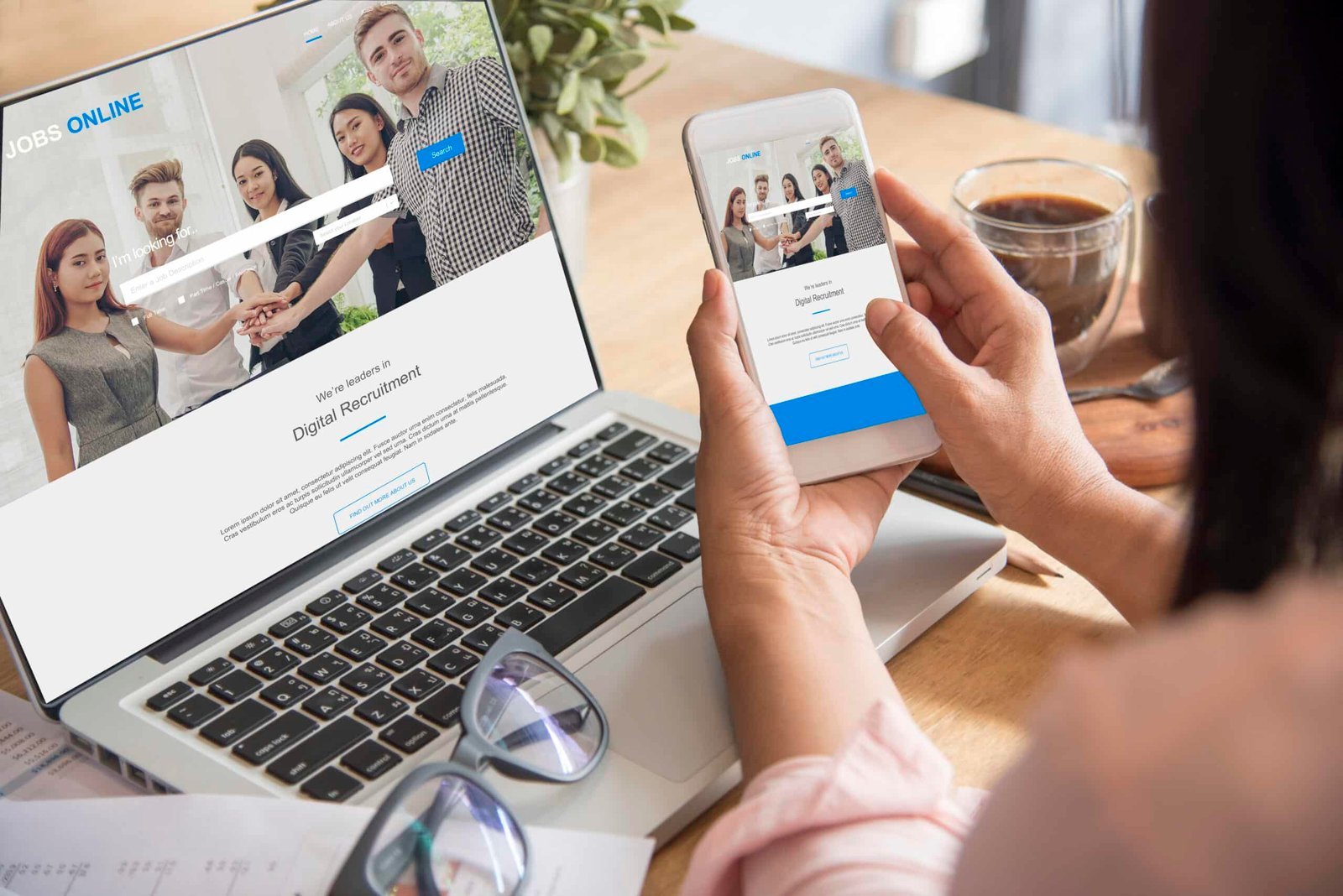
A high bounce rate can be frustrating for any business owner. You invest time and money into driving traffic to your website, only to see visitors leave after viewing a single page. While many people assume that lowering bounce rate requires a complete website redesign, that’s rarely the case.
In many situations, small improvements to your content, navigation, page speed, and user experience can significantly increase engagement without rebuilding your entire website. By making strategic updates, you can encourage visitors to stay longer, explore additional pages, and ultimately become customers.
What Is Bounce Rate?
Bounce rate measures the percentage of visitors who leave your website after viewing only one page without continuing to another part of your site.
Although a high bounce rate isn’t always negative—especially for pages that answer a user’s question immediately—it often indicates that visitors didn’t find enough value or motivation to continue exploring.
Common causes include:
- Slow page loading
- Poor navigation
- Weak calls-to-action
- Confusing layouts
- Irrelevant content
- Mobile usability issues
- Mismatched search intent
Reducing bounce rate begins with understanding why visitors leave.
Improve Page Load Speed
One of the quickest ways to lower bounce rate is by improving website performance.
Users expect pages to load within seconds. If your website is slow, many visitors will leave before they even see your content.
Simple speed improvements include:
- Compressing large images
- Using modern image formats like WebP
- Enabling browser caching
- Removing unnecessary plugins
- Minimizing CSS and JavaScript files
- Choosing reliable web hosting
A faster website creates a better user experience and supports stronger SEO performance.
Match Content to Search Intent
Visitors arrive with specific expectations based on the search results they clicked.
If someone searches for “local SEO services” but lands on a generic marketing page that barely discusses SEO, they’re likely to leave immediately.
Each page should directly answer the user’s search intent by providing relevant, valuable information that aligns with the page title and meta description.
Content that satisfies user intent naturally encourages visitors to continue browsing your website.
Strengthen Your Headlines
The first few seconds determine whether someone stays or leaves.
Clear, compelling headlines immediately communicate what visitors will learn or accomplish by reading your page.
Instead of vague headlines, focus on specific benefits.
For example:
Instead of:
Our Marketing Services
Try:
Digital Marketing Strategies That Help Local Businesses Generate More Leads
Strong headlines capture attention and encourage users to keep reading.
Add Internal Links That Guide Visitors
Many websites unintentionally create dead ends.
After reading an article or service page, visitors should have obvious opportunities to continue exploring related content.
Effective internal linking helps users discover:
- Related blog articles
- Service pages
- Case studies
- Frequently asked questions
- Contact pages
Internal links not only improve user engagement but also strengthen your website’s SEO by helping search engines understand the relationship between your pages.
Make Calls-to-Action More Visible
Sometimes visitors leave simply because they don’t know what to do next.
Every important page should include clear calls-to-action (CTAs) that encourage users to take the next step.
Examples include:
- Schedule a consultation
- Request a free quote
- Contact our team
- Learn more about our services
- Read a related article
Place CTAs naturally throughout the page instead of limiting them to the very bottom.
Improve Content Readability
Large blocks of text can overwhelm readers.
Making your content easier to scan increases the likelihood that visitors will continue reading.
Simple formatting improvements include:
- Short paragraphs
- Descriptive subheadings
- Bullet points
- Numbered lists
- Plenty of white space
- Easy-to-read fonts
Readable content creates a smoother browsing experience across both desktop and mobile devices.
Optimize Your Website for Mobile Users
With most online searches now happening on smartphones, mobile optimization has become essential.
Visitors quickly leave websites that require excessive zooming, scrolling, or waiting.
Improve the mobile experience by:
- Using responsive design
- Increasing button sizes
- Simplifying navigation
- Improving loading speed
- Making forms easier to complete
A mobile-friendly website encourages users to stay engaged regardless of the device they’re using.
Build Trust Immediately
Visitors often decide within seconds whether a business appears trustworthy.
Adding trust signals throughout your website can reduce hesitation and encourage users to continue exploring.
Consider including:
- Customer reviews
- Testimonials
- Industry certifications
- Awards
- Client logos
- Security badges
- Professional team photos
Trust-building elements reassure visitors that they’re dealing with a credible business.
Update Outdated Content
Older content may still receive traffic but lose visitors because the information is no longer accurate or relevant.
Regularly refreshing your pages helps maintain engagement by:
- Updating statistics
- Adding current examples
- Improving keywords
- Including new internal links
- Expanding sections that answer common questions
Content updates often improve both bounce rate and organic search rankings without requiring an entirely new page.
Remove Distractions
Too many pop-ups, autoplay videos, excessive animations, or intrusive banners can frustrate visitors.
Instead, create a clean browsing experience that allows users to focus on your content.
Reducing unnecessary distractions often results in:
- Longer session duration
- More page views
- Higher conversion rates
- Better overall user satisfaction
A simple, user-focused design usually performs better than one filled with visual interruptions.
Use Analytics to Identify Problem Pages
Not every page has the same bounce rate.
Use tools like Google Analytics and Google Search Console to identify which pages lose visitors most frequently.
Analyze factors such as:
- Traffic sources
- Average engagement time
- Exit pages
- Device type
- Page speed
- Conversion rates
These insights help prioritize improvements that deliver the greatest impact without requiring a complete website redesign.
Final Thoughts
Lowering your website’s bounce rate doesn’t necessarily require a major redesign. In many cases, improving page speed, creating more engaging content, strengthening internal links, optimizing for mobile devices, and providing clear calls-to-action can dramatically increase visitor engagement.
By focusing on user experience and aligning your content with visitor expectations, your business can keep users on your website longer, improve SEO performance, and generate more qualified leads without the cost and disruption of rebuilding your entire site from scratch.